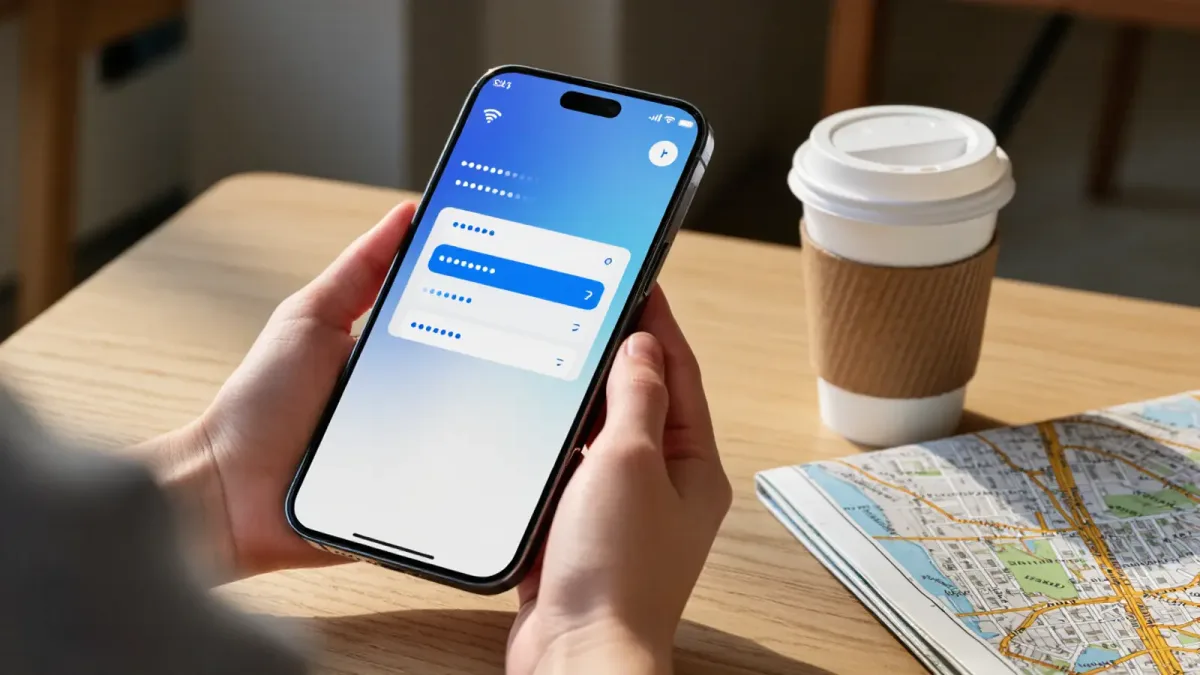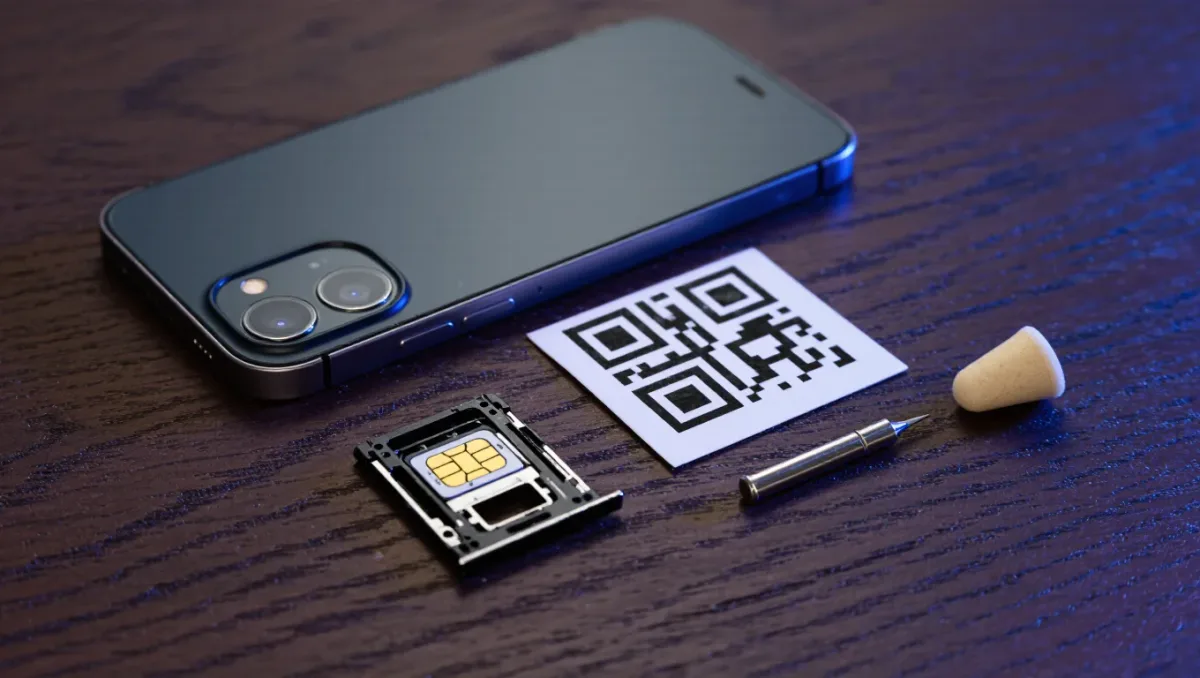
For most trips, a prepaid travel eSIM bought before departure beats both roaming and airport SIM kiosks: regional plans commonly run $5 to $40 for 5 to 20 gigabytes, install from a QR code at home, and activate on landing. The requirements are an unlocked phone and eSIM support — standard on flagships since the late 2010s. Roaming packages still win for very short trips on carriers with fair day rates; a physical local SIM wins on long stays in countries where it is cheaper per gigabyte, at the cost of a shop visit, passport registration, and a new phone number for the trip's duration.
Pricing described reflects typical market ranges as of early 2026; roaming rates are carrier-specific — check your carrier's page before relying on it.
How do the three options compare?
| Option | Typical cost | Best for | Catch |
|---|---|---|---|
| Travel eSIM | $5-40 per trip | Trips up to a month, multi-country itineraries | Data-only on most plans; no local number |
| Carrier roaming package | $10/day flat on many US carriers | Short trips, business travel on expense | Expensive beyond a week; check fair-use caps |
| Local physical SIM | Lowest per-GB in most countries | Stays over a month, heavy data use | Shop visit, passport registration, number changes |
What should you set up before departure?
- Install and test the eSIM at home — the QR code installs the profile even before it activates on arrival, and testing at home is how you learn the phone was never unlocked, with time to fix it.
- Download offline maps for the whole destination region, and translate packs for the language; offline navigation is the feature that matters most exactly when data fails.
- Install the VPN before you board for destinations that restrict it — in some countries, VPN providers' websites are themselves blocked, so the app store is unreachable on arrival.
- Save the eSIM provider's support channel outside the app, and note your phone's IMEI if a local registration ever needs it.
- Turn off data roaming on your primary line to avoid surprise charges while the eSIM carries data — dual-SIM phones make this a settings task, not a hardware one.
When is a VPN actually necessary?
Three distinct jobs, often confused. Security on hotel and airport Wi-Fi — the classic justification — matters mainly on untrustworthy networks where a VPN's encryption defeats simple snooping; mobile data through your eSIM is already encrypted in transit, so the eSIM itself solves much of the old Wi-Fi problem. Access to home services — banking apps that block foreign logins, streaming subscriptions, workplace tools — is the everyday use, and it works from anywhere. The third job is destination-specific: a handful of countries restrict what the open internet serves, and the practical rule is to install and log in to the VPN before arrival, know that some providers are blocked in-country, and accept that in a few jurisdictions the legal status of VPN use is itself restricted — read the destination's current rules rather than forum lore.
What breaks in practice, and what is the fix?
The recurring failures cluster on arrival day and mid-trip. Arrival: the eSIM is set to activate on install rather than on arrival, so it burns days of validity at home — fix by choosing activate-on-arrival products or toggling the line off until landing. Also arrival: dual-SIM phones default data to the wrong line, and a single evening of background syncing on a roaming home line is how the $10-day-rate bill happens on a trip that "had an eSIM." Mid-trip: hotels and cafes with captive portals that the phone remembers but will not re-accept, solved by forgetting the network rather than fighting it. And the quiet one — two-factor authentication tied to the home SIM: if the home line's roaming is disabled to save money, SMS codes stop arriving. The fix is to move critical accounts to app-based authentication before the trip, because no eSIM workaround retrieves an SMS sent to a line that is off.
How much data does a trip really need?
- Light use — maps, messaging, browsing: 1-2 GB per week.
- Normal use — plus social media, video calls, streaming an episode now and then: 3-5 GB per week.
- Heavy use — working from the road, hotspot for a laptop: 10-20 GB per week, and a physical local SIM's larger buckets start to win.
Hotspot use drains phone batteries fast; a small power bank is as much a part of the connectivity kit as the eSIM itself — a phone at 3% is offline no matter which SIM it holds. And the analog backup never retires: a printed copy of the first night's address and confirmation, because arrival-day connectivity is precisely the thing most likely to fail.
Prices and restrictions checked against provider and regulator pages as of early 2026; roaming rates change constantly — confirm your carrier's current day rates and the destination's rules before flying.