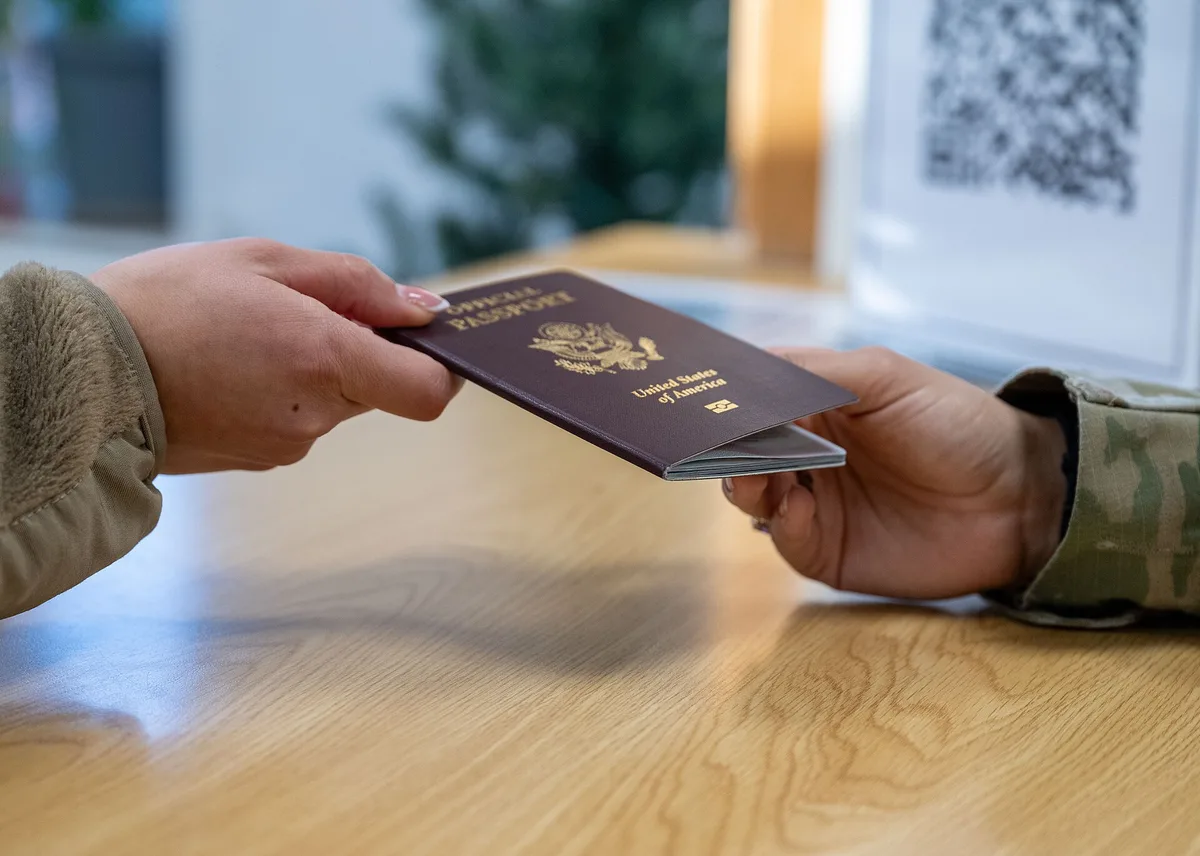
A lost or stolen passport abroad is replaceable in days, but only if you can prove who you are — and the backup kit is what turns that proof into a same-morning formality. The working setup has three layers: paper copies of your passport's bio page, visas, and insurance packed separately from the originals; encrypted scans stored in cloud and offline; and two spare passport photos, which several embassies require for emergency replacements and which are hard to produce in a foreign city on a Sunday. The US State Department's own guidance for lost passports abroad asks for identification and details of the lost document — exactly what your copies carry.
Procedure details below follow State Department and embassy guidance as of early 2026; check the relevant embassy page for your country and destination before travel.
Which documents belong in the backup kit?
- Passport bio page — the document number, issue and expiry dates, and photo are what any report or replacement form asks for first.
- Visas and residence permits — a lost visa sticker inside a valid passport complicates both the replacement and future applications; the copy preserves the record.
- Travel insurance policy and emergency number — the card in your wallet is useless if the wallet left with the bag.
- Driver's license and a second photo ID — secondary proof accelerates any identity check.
- Booking confirmations — flights and the first night's accommodation, since check-ins ask for the passport you may no longer have.
- Prescriptions — for medication in your luggage, a copy smooths pharmacy and customs questions abroad.
Where should each layer live?
The system fails if the copies travel with the originals. Paper copies go in a different bag from the passport — one set in the daypack, one in checked luggage, left with a trusted contact at home as the third point. Digital scans live in two places: an encrypted cloud folder reachable from any device, and an offline copy on a phone or small drive, because borders and hotels are exactly where connectivity fails. Email the scans to yourself with a searchable subject line — the lowest-tech, most disaster-proof channel that exists. What never goes in the cloud or a hotel safe: your only originals. Hotel safes are for the spare card and cash split, not the passport you need at every check-in.
How do backups speed up an emergency replacement?
- Report and block: for a US passport, the loss is reported on form DS-64 (online or at the embassy), which invalidates the document against misuse. The document number from your copy makes this immediate.
- Emergency replacement: embassies issue limited-validity passports, typically for direct travel home, often same or next day for verifiable cases. Your bio-page copy, spare photos, and secondary ID compress verification from a multi-day evidence exercise to a checklist.
- Rebuild the record: copies of visas and stamps document your lawful status and entries — the difference between a clean future application and explaining gaps.
The replacement fee at posting follows the State Department fee schedule; a lost-passport replacement is priced higher than a routine renewal, and payment is due at the embassy.
How does the kit change for different trip types?
Scale it to the trip's recovery options. A two-week holiday with return flights home needs the standard kit — if everything is lost, going home is the fallback and the emergency passport covers it. A long-term posting or multi-country overland route needs more: notarized extra copies left with your bank or family, visa copies for every country on the route because future applications will ask for travel history, and a note of every embassy's address and hours along the way. Family travel adds one rule per child: children's documents are checked more carefully at borders, and a copy of a child's passport plus birth certificate smooths the single-parent-or-guardian questions that some countries raise at exit and entry. Digital nomads carrying residence permits should photograph every stamp at each border crossing the day it happens — reconstruction is trivially easy with dated photos and nearly impossible a year later.
What do travelers get wrong?
- Photos of the passport in the camera roll, unencrypted and unnamed — unusable at the moment of crisis and a data leak if the phone is stolen with the passport.
- Everything in one bag. One pickpocket takes the passport, the copy, and the insurance card together.
- No spare photos. Photo booths exist in most capitals but not most border towns, and emergency issuance does not wait.
- Copies but no record of what was lost. Note where and when the loss happened — the report and the insurance claim both require it, and travel insurers decline claims without a police or carrier report where one was obtainable.
Is any of this a security risk?
Handled carelessly, yes. Passport scans are identity documents: store them encrypted, avoid sending them over public Wi-Fi without a VPN, and never leave them in shared drives with open links. The risk calculus still favors backups overwhelmingly — a scan leaking is recoverable; a passport with no copy lost in a theft is a multi-day consular project in a language you may not read.
Procedures follow State Department lost-and-stolen passport guidance as of early 2026; fees, forms, and embassy hours change — confirm with the relevant embassy for your nationality and destination.